






Telegram Tdata Login Text Tutorial + Video Tutorial (for PC + TG Tdata Data Pack)

For accounts purchased from a specific region, you must use an IP address from the corresponding region to log in; otherwise, the account may become abnormal.
This tutorial is only applicable to the computer version and uses tdata data package for login.
Step 1: Download Telegram tdata data
After purchase, contact staff, who will send you the account file.
Step 2: Go to the official website to download the latest client version
Latest PC version download address: https://telegram.org/dl/desktop/win64_portable
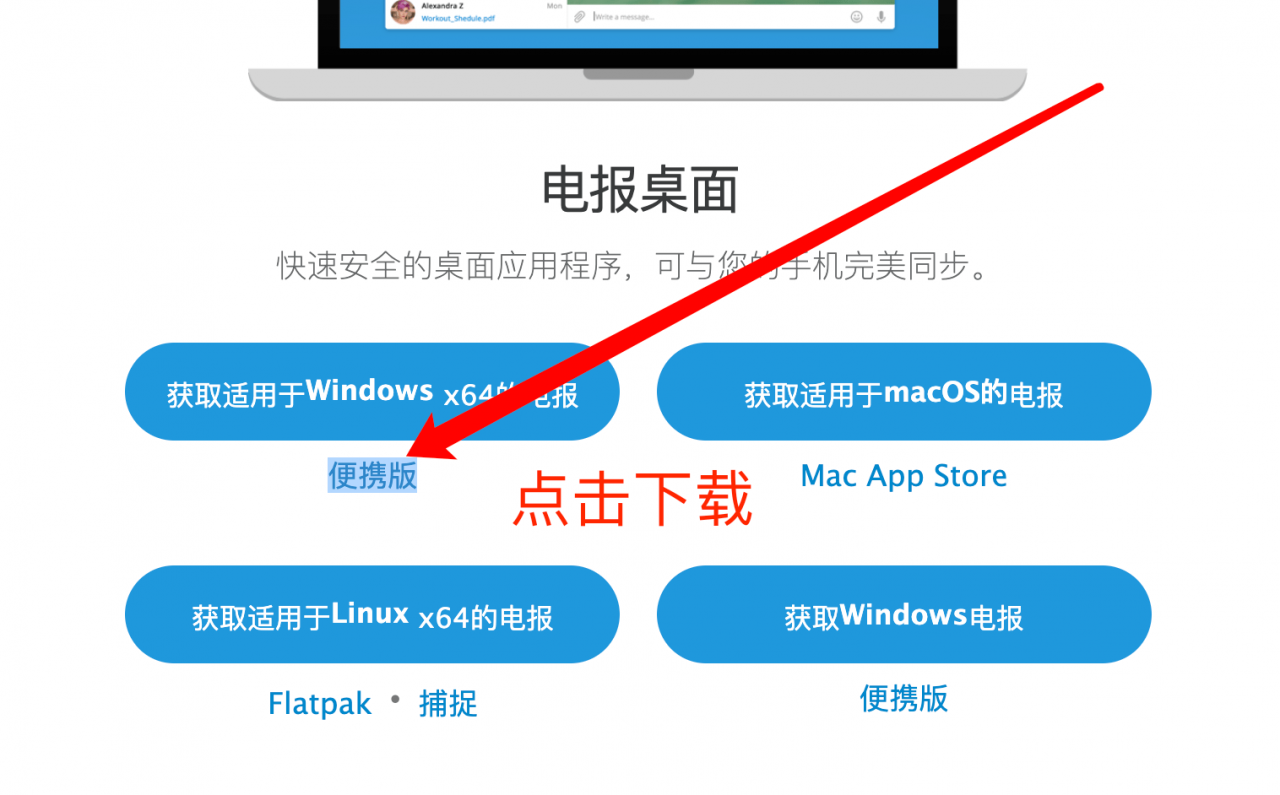
Step 3: Unzip the Telegram portable version and copy the telegram.exe file to the same directory as the account file tdata.
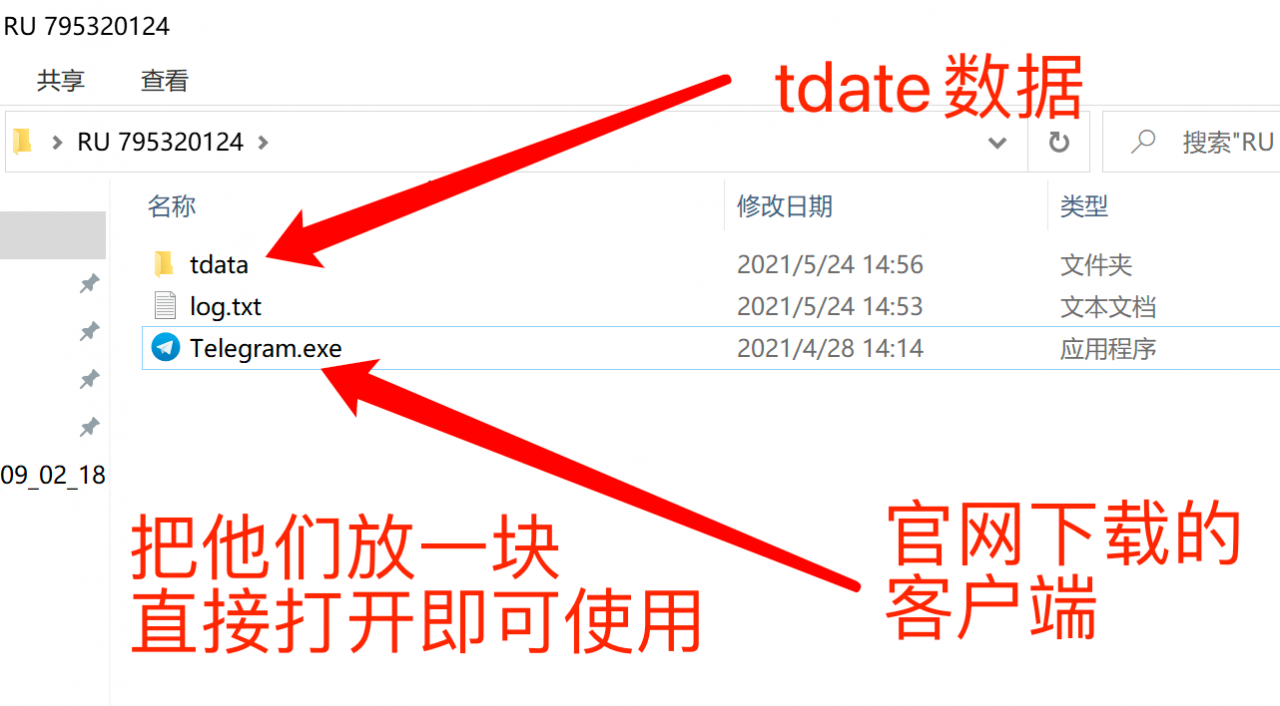
Here, you can directly double-click to open the main program and use it. It will be in a logged-in state directly, and as long as you don't log out, it will always be available!
Video Tutorial: