


 FB越南地区



![Telegram会员礼品链接/会员账户 [Premium]](https://freehao.club/assets/images/69799b9b94689.png) Telegram会员礼品链接/会员账户 [Premium]
Telegram会员礼品链接/会员账户 [Premium]


 Gmail谷歌邮箱
 Youtube|油管



 代理IP
代理IP

 Hotmail
 Mail.ru


How to log in and use Instagram?

Login process after purchasing an Instagram account
1. Account login is divided into 2FA login, email login, and cookie login. The first step is to explain the 2FA two-factor authentication login tutorial. After purchasing, you will generally receive this information (account|password|2fa|email|email password|cookie (some accounts may have different formats, but the login information will be included)
2. Use the account password to log in to the account first (the first step of each login method requires using the account and password to log in to the Instagram login interface first)
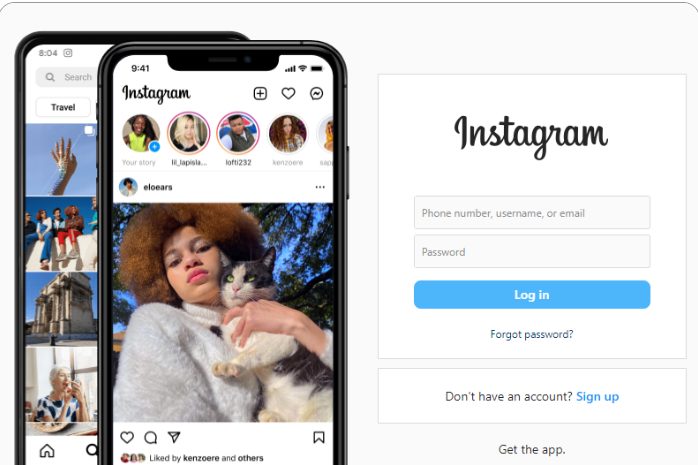
- After logging in, the system will prompt for a two-step verification code. At this point, you need to open the application containing the "2fa" information you received (https://www.humkt.com/2fa) and enter the displayed verification code to complete the verification.
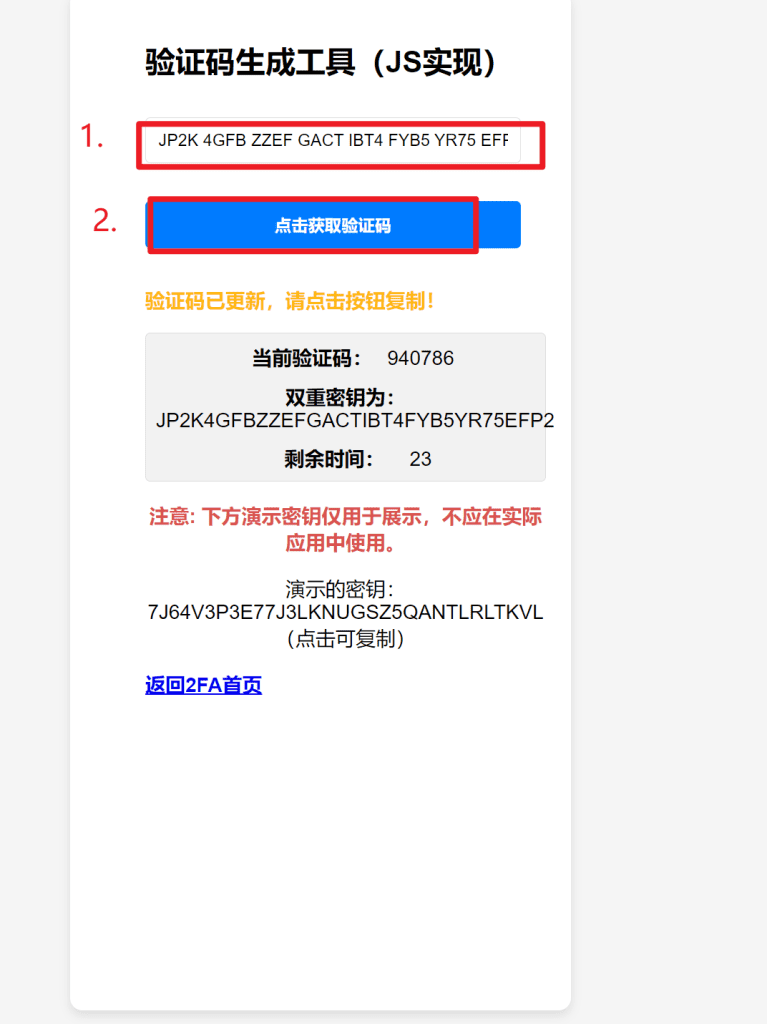
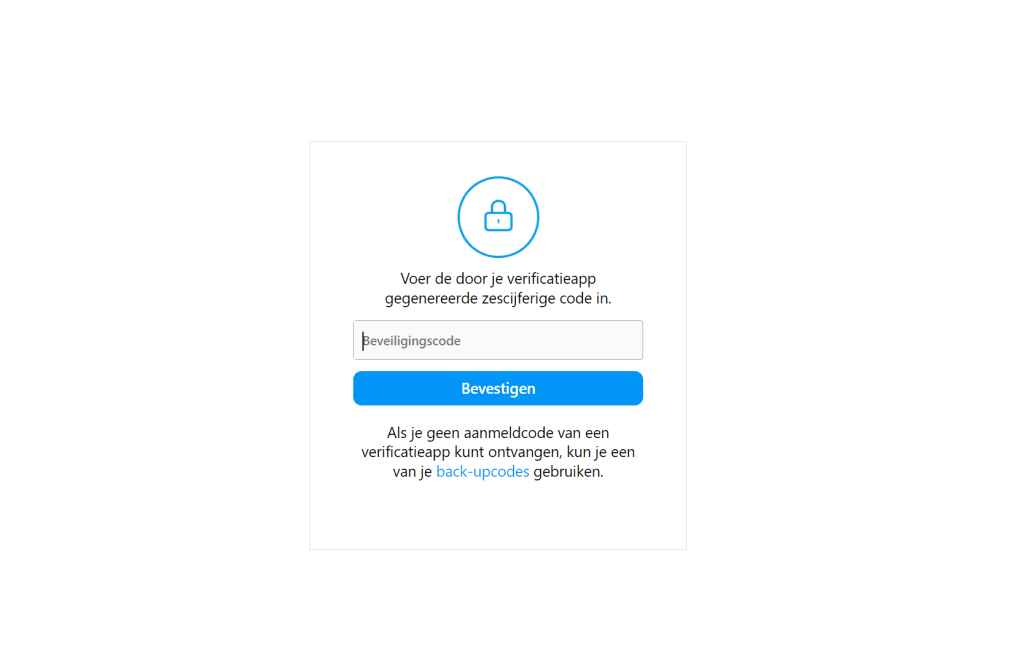
- Once verified, you will successfully log in to the account. At this point, you can change account settings or perform other operations as needed.
Next, let's explain how to log in using email:
- If you choose to log in using email, you first need to select the "Forgot password" or "Log in with email" option on the login screen.
- Enter the email address you provided when purchasing the account, then click to send the verification code.
- Log in to your email account, find the email from Instagram, and copy the verification code inside.
- Return to the Instagram login page, enter the verification code you copied, and then set a new password.
- Log in again with the new password and account, and you will successfully log in using the email method.
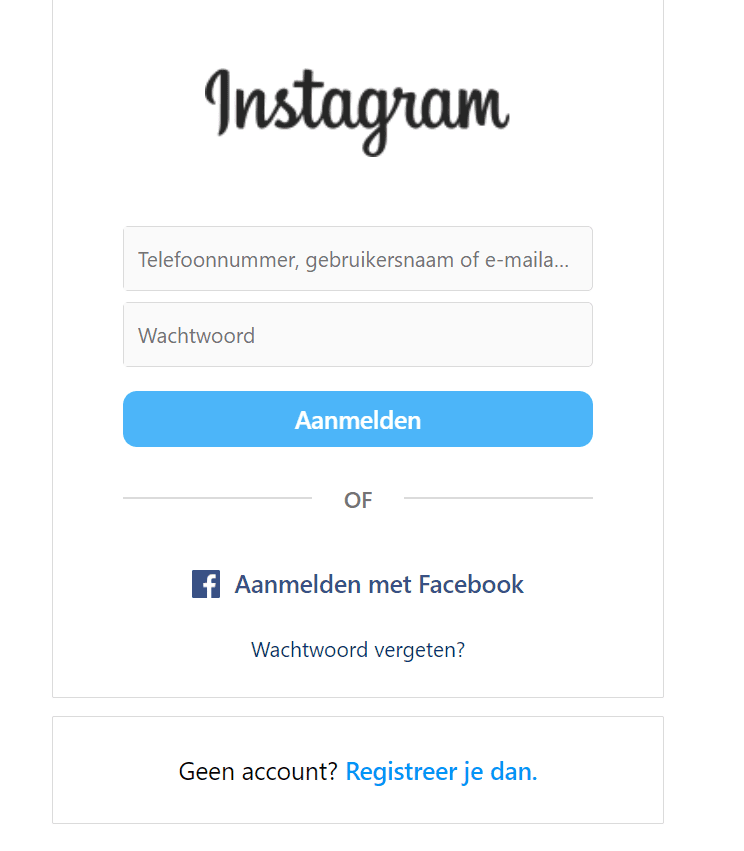
Finally, let's explain the steps for logging in using cookies:
- Logging in with cookies usually requires using Google browser extensions or tools, which can help you import cookies into the browser.
- First, make sure your browser has the appropriate extension installed, such as Cookiedough.
- Open the Instagram login page, then import the cookie data you provided when purchasing the account through the extension.
- After importing the cookies, the page should automatically refresh, and you will be directly logged in to the account without needing to enter your username and password.
Cookie Login Video Tutorial:
Each login method has its specific scenarios and advantages. 2FA login is the most secure method but requires additional steps for verification. Email login is suitable for situations where you forget your password or need to reset it. Cookie login is a fast and direct method, suitable for users familiar with technical operations. When using any login method, ensure your login information is secure and avoid disclosing it to unauthorized third parties.